Choosing an underwater fishing camera screen for bright conditions
Choosing an underwater fishing camera screen for sunny bank sessions
TL;DR: Compare the published brightness specification, evidence about internal reflection control, and the viewing shroud as three separate checks. Ask for an outdoor demonstration of the exact camera system before deciding which screen suits your bank sessions. The evidence here supports explaining the features, rather than choosing a universal brightness threshold or a winning monitor.
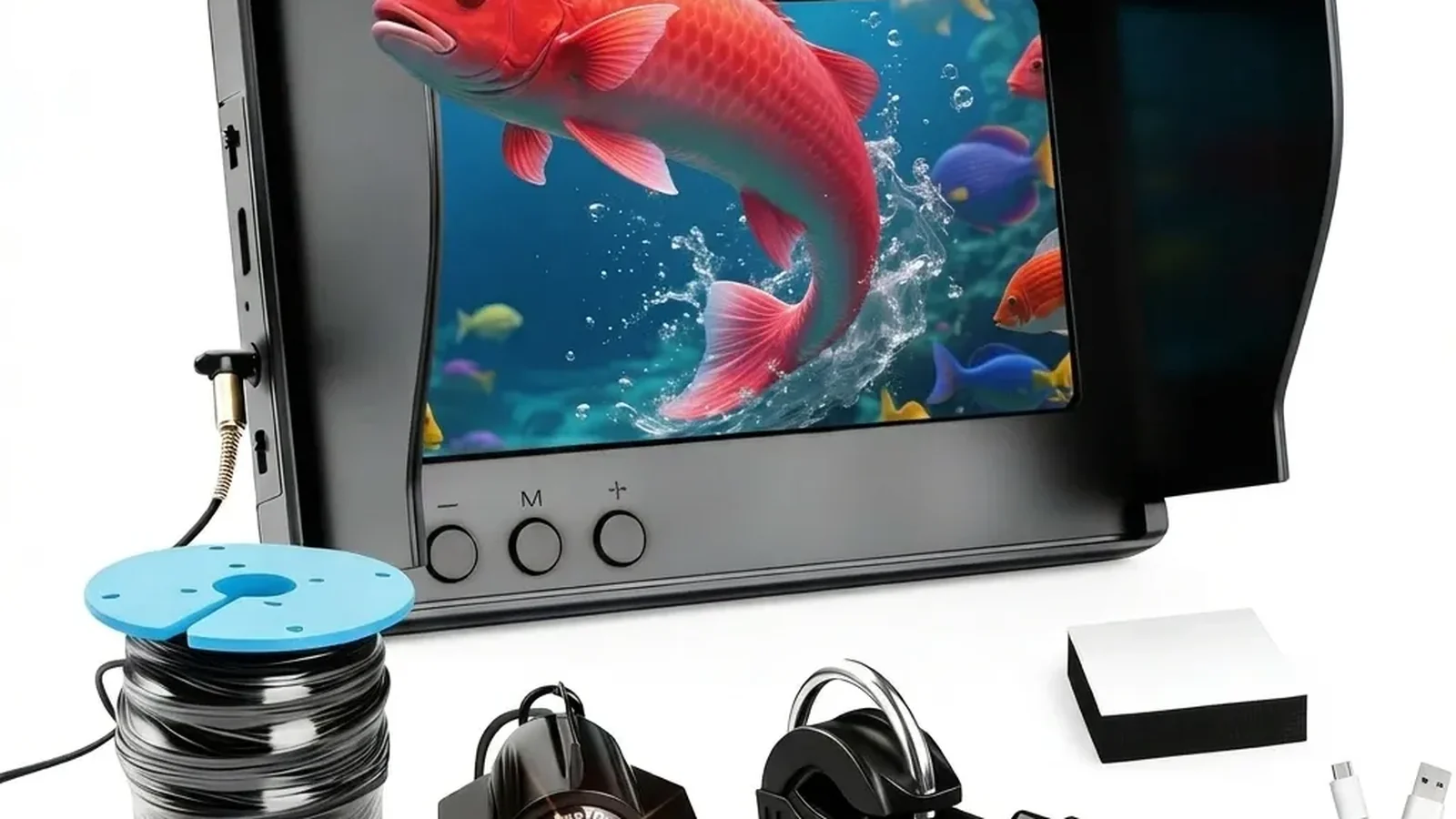
How to assess underwater fishing camera screen sunlight performance
Start with a three-part comparison: what brightness information the manufacturer publishes, what it says about the display’s construction, and how you would shade and view the screen at the bank. Treat this as a proposed buying framework, with each question requiring its own answer.
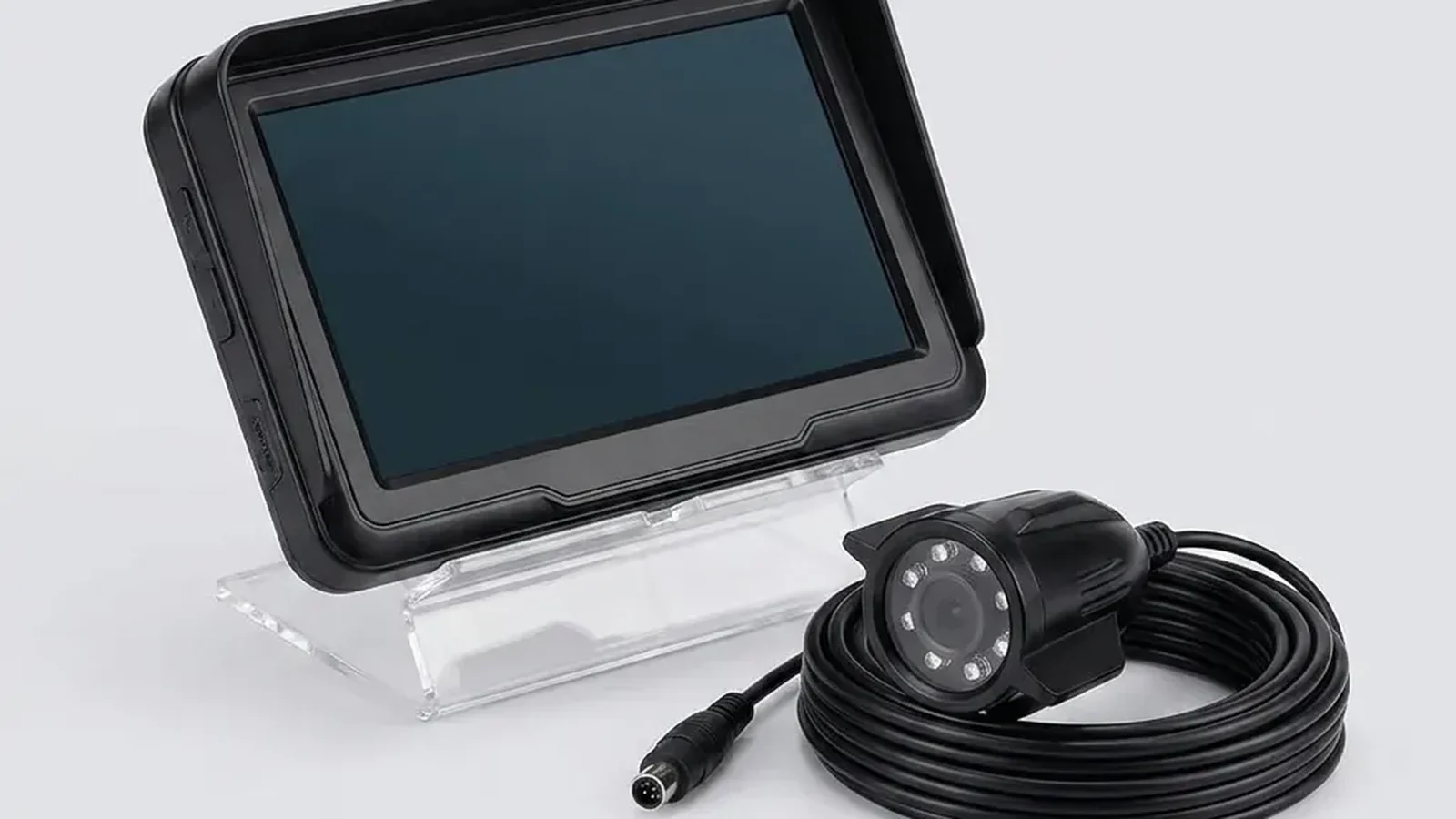
Brightness: ask for the exact specification
Request the published brightness figure for the precise model you are considering. Keep that figure alongside the rest of the display information rather than making it your only purchase criterion. Ask the seller to distinguish a documented specification from a general description such as “outdoor screen”.
DCLTEK’s embedded-display guide treats brightness requirements and optical bonding as separate aspects of sunlight readability. That makes its guidance useful for understanding which questions to ask, although it is an engineering guide rather than a comparison of underwater fishing cameras.
Internal reflections: look for a construction claim
DCLTEK explains that optical bonding fills the air gap between the cover glass and LCD with an optically clear adhesive or resin, removing internal reflections. This concerns the display’s optical construction. When comparing cameras, ask whether the exact monitor is documented as optically bonded; leave the answer unconfirmed if the specification does not establish it.
Physical shading: inspect the viewing arrangement
The MarCum VS500 manual describes a collapsible viewing shroud built into its padded Soft Pack carrying case, intended to enhance viewing in bright light. This is a documented example of a physical viewing aid on that system.
Use these distinctions to build your shortlist: record brightness, reflection-control information and the shading arrangement separately. Then request a demonstration from the viewing position you expect to use. Neither the general display explanation nor the VS500 example establishes another camera’s screen construction or sunny-bank performance.
Compare the specification, construction and viewing setup
Use a short comparison sheet to keep documented features separate from questions that still need a demonstration. The following is a proposed buying method for sunny bank sessions, not a standardised performance test.
| Check | What to request | What to record |
|---|---|---|
| Screen brightness | The published brightness specification for the exact monitor | The stated figure and its source; write “not supplied” if unavailable |
| Internal reflection control | An explicit description of optical bonding or other documented display treatment | The manufacturer’s exact wording, without assuming that different treatments are equivalent |
| Viewing shroud | The manual or clear photographs showing the intended viewing arrangement | Whether a shroud is documented, how it opens and whether it is included in the quoted package |
| Your viewing position | An opportunity to try the complete system outdoors | Your own observations from the distance, posture and eyewear you expect to use |
Read reflection-control wording carefully
DCLTEK describes optical bonding as replacing the air gap with an optically clear adhesive or resin, eliminating internal reflections. Keep that specific construction claim separate from broader wording about glare or outdoor use. As a buying rule, mark bonding as unconfirmed unless the exact model’s documentation supports it.
A useful question for the seller is: “Does the specification explicitly confirm optical bonding on this monitor, and where can I read that?” You do not need to reject every screen without that feature; you need enough information to compare the options honestly.
Check how the shroud works in practice
The VS500 manual says its Soft Pack incorporates a collapsible viewing shroud to enhance viewing in bright light. It also says the front can be opened when the viewer is not exposed to harsh light, giving an enclosed ice house as an example. The example concerns that system’s carrying-case arrangement; check the documentation for any other model separately.
For your shortlist, ask to see the viewing aid both deployed and folded away. Try reaching the controls and viewing the picture from your intended seat or standing position. Record whether the arrangement feels practical for you rather than inferring usability from a product photograph.
Make the demonstration answer a buying question
If an outdoor demonstration is available, use this proposed sequence:
- Ask to view the exact camera-and-monitor combination being offered, using live footage where possible.
- Try your normal viewing distance and posture. If you usually wear sunglasses, include them in your assessment.
- Explore the available brightness settings and try the supplied shroud as intended by the manufacturer. Note the settings and viewing arrangement you used.
- Pick a visible detail in the scene and judge whether you can follow it comfortably. Record any repeated need to move your head, reposition the screen or shade it by hand.
- Keep those observations specific to that demonstration. If you cannot try the system outdoors, leave outdoor usability unconfirmed and request further evidence before making it decisive.
This approach gives you a practical decision record without turning a brief trial into a measured performance claim.
Choose the screen you can assess with confidence
Make your next step an evidence check followed, where possible, by an outdoor demonstration. For sunny bank fishing, our recommendation is to favour a system whose brightness information, display construction and viewing arrangement you can assess together.
Use these decision rules when narrowing your shortlist:
- If brightness is documented but the viewing arrangement is unclear: ask for the manual and a demonstration of any supplied shroud before treating the specification as sufficient for your needs.
- If a shroud is shown but brightness or bonding is undocumented: record the shroud as a confirmed feature and leave the other fields unanswered. Ask to try the complete setup outdoors.
- If the demonstration works comfortably for you: note the exact model, brightness setting, shroud position, eyewear and lighting conditions. Base your decision on those observations without extending them to every venue or weather condition.
- If the seller cannot establish a feature that matters to you: seek the missing documentation or keep another option on the shortlist. Avoid filling the gap with an assumption.
What the source examples establish
DCLTEK’s guide explains optical bonding as filling the gap between cover glass and LCD with an optically clear adhesive or resin to remove internal reflections. Use it to understand the construction question you are asking; seek model-specific documentation to establish whether a particular fishing monitor has that construction.
The MarCum VS500 manual documents a collapsible shroud in its Soft Pack for enhanced bright-light viewing. Use it as an example of a documented viewing aid, and check each shortlisted system’s own manual for its arrangement.
Read the original explanations
- DCLTEK embedded-display selection guide: see the sunlight-readability and optical-bonding sections for the general display explanation.
- MarCum VS500 manual (PDF): see the Soft Pack description for the attributed viewing-shroud example.
Before buying, send the seller one focused request: “Please provide the exact monitor’s published brightness specification, any documentation of optical bonding, and details of the included viewing shroud. Can I assess the complete system outdoors from my normal viewing position?” Use the answers and your observations to decide whether the screen meets your needs.