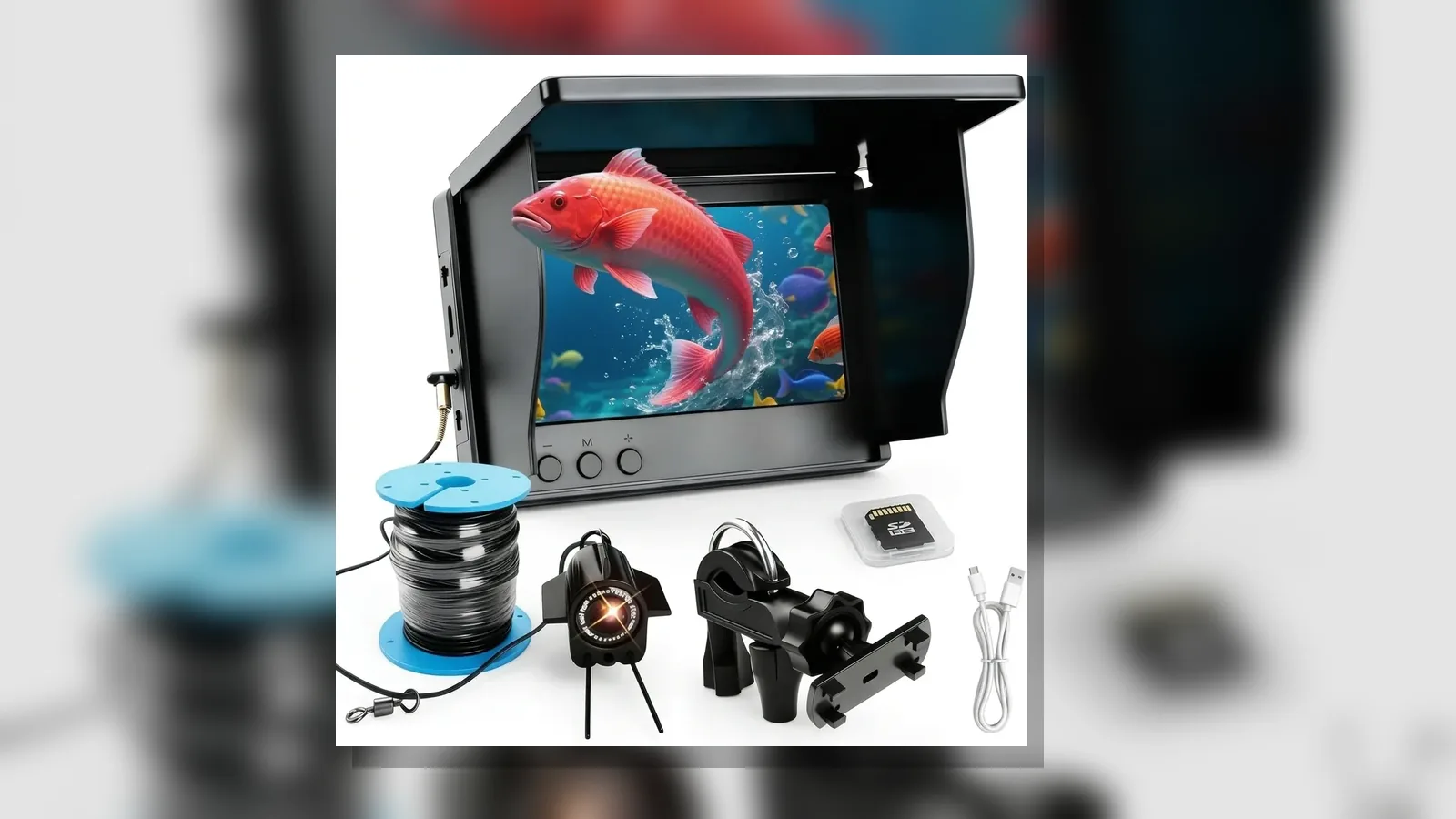
Common mistakes using underwater fishing camera UK: UK Practical Guide
The most common mistakes using underwater fishing camera UK setups are treating the camera like a sonar fishfinder, rushing the first-week setup, and reading the screen without a clear plan for what you are checking. An underwater camera is for viewing underwater structure, fish holding spots and how a lure or fly moves; it does not replace sonar or guarantee catches.
Symptom → likely cause
When the picture looks wrong, the cause is often simple handling rather than a failed product.
- Blank, dim or washed-out screen — likely cable not fully seated, screen brightness left low for bright British daylight, or IR night vision left on in clear shallow water where it is not needed.
- You see water but not fish where you expected — likely you are watching the wrong spot; on UK rivers a camera is most useful for scouting a pool and checking where fish are actually holding, not where you assumed they were.
- The lure or fly looks odd on screen — likely you are judging presentation from the bank without watching how it behaves underwater; that check is one of the camera’s clearest uses.
- Mixed-unit confusion — likely cable length, screen size or power options were compared in different units or packaging variants without matching what you actually ordered.
- Expecting “fishfinder” results — likely the camera is being used as if it were sonar. Viewing is not the same as sonar fishfinding; do not treat live video as a location guarantee.
First-week setup mistakes are common when anglers are new to underwater cameras; practical setup advice focuses on avoiding those early errors rather than chasing advanced features.
Safe stop criteria
Stop using the camera and pack it away if any of the following apply:
- You see moisture inside the camera housing, connectors or screen bezel.
- The cable jacket is cut, pinched or heavily abraded.
- Connectors feel loose, bent or force is needed to mate them.
- The screen or camera becomes unusually hot, smells of burning, or behaves intermittently after a knock.
- You cannot keep the setup clear of other anglers’ lines, boat traffic or restricted water.
Do not keep lowering the camera to “test” depth or performance claims you cannot verify on the product page. Depth ratings, exact cable accuracy and catch guarantees are outside what this guide asserts.
What users can check
Before you assume a fault, work through this short list:
- Confirm the screen and camera cable are fully connected and dry before powering on.
- Set brightness for outdoor UK light; turn IR night vision on only when the water is dark enough that the normal view is unusable.
- Decide one job for the session: scout a pool, confirm holding water, or watch lure or fly behaviour underwater — then move the camera with that job in mind.
- Keep units consistent when comparing options (screen size, cable length labelling, plug type) so you do not mix variants.
- Separate “I can see underwater” from “sonar found fish”; the camera supports viewing and learning, not sonar-style fishfinding claims.
Guides on using underwater cameras for fishing are aimed at both newer and experienced anglers; treat them as technique help, not as proof of any one retail kit’s specifications.
When to get support
Contact support or the seller if safe-stop signs appear, if parts arrived incomplete versus the option you ordered, or if the unit will not power on after the basic seating and dryness checks above. Have your order details and the exact option name ready. Do not send photos that invent damage timelines or performance numbers you have not observed.
Next step
If you want a portable underwater fishing camera with a screen and IR night vision for viewing-led sessions, review the FishFind portable underwater fishing camera details and match the option to how you fish — not to sonar-style promises.
FAQ
Is an underwater fishing camera the same as a fishfinder?
No. A camera shows you a live or monitored underwater view. Sonar fishfinders estimate returns underwater. Avoid mixing those jobs when you diagnose “mistakes” on the bank.
What are useful UK river uses?
Practical UK river uses include scouting a pool before you fish it, checking where fish are holding versus where you assumed they were, and watching how a fly or lure behaves underwater.
What first-week mistakes should I watch for?
Early setup mistakes are common for first-time users. Slow down on connections, lighting and what you expect to see on screen; use practical setup guidance rather than forcing the camera deeper or longer than you need for the check.
Can this guide promise more fish?
No. Better viewing can inform where and how you present bait or flies, but it does not guarantee finds or catches.