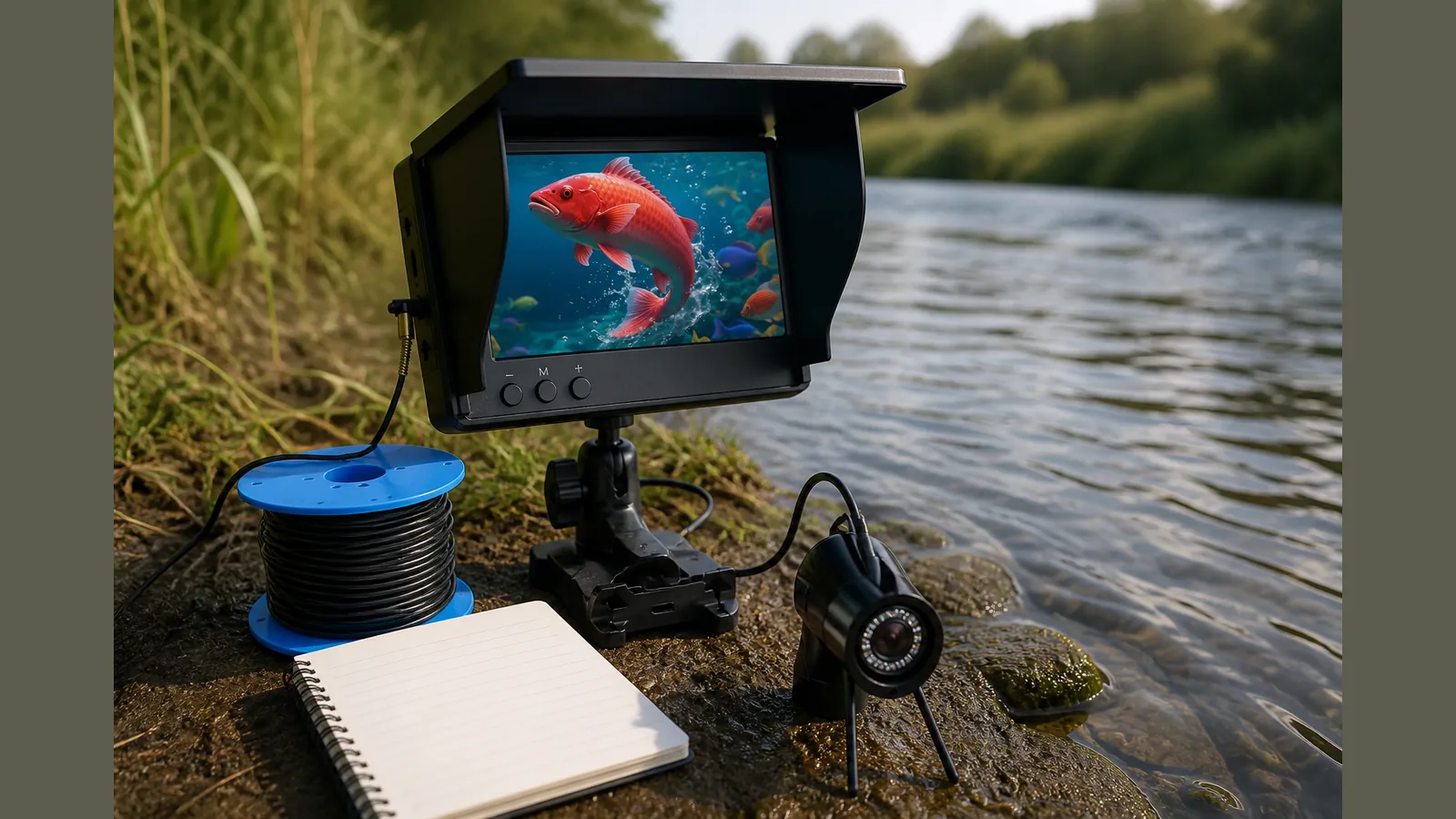
Underwater fishing camera first use checklist UK: UK Practical Guide
An underwater fishing camera first use checklist UK anglers can trust starts with power, seals, cable handling and screen visibility before the camera enters the water—then short, calm trials rather than rushing for fish. Treat the camera as a viewing aid, not a sonar fishfinder, and stop at once if anything looks loose, wet inside or unsafe.
Direct answer checklist
Use this first-session sequence on the bank or boat before you fish seriously:
- Read the included instructions and confirm every connector is seated and dry.
- Charge or fit batteries as directed, then power on the screen and camera on dry land.
- Check the display image is clear, controls respond, and any night-vision or IR lighting modes switch as labelled—without claiming performance beyond what you can see.
- Inspect cable, strain-relief points and camera housing for cracks, grit or missing seals.
- Lower the camera slowly in shallow, open water first; watch the live view while keeping the cable clear of propellers, snags and other anglers.
- Keep the session short, note what you saw, then recover, rinse and dry the kit before packing away.
Beginners’ guides often frame early outings as a learning curve from unboxing to usable footage, which matches a checklist approach rather than expecting instant results on trip one.
Pre-checks
Before each first-use outing in UK conditions, run these pre-checks:
- Weather and water: Avoid launching into rough chop, heavy weed beds or unknown underwater hazards until you know how the cable behaves.
- Mount and hand-hold plan: Decide where the screen will sit so you can watch it without dropping the unit.
- Cable discipline: Plan how you will pay out and retrieve line so it does not kink or wrap around the boat.
- Lighting expectations: In coloured or low light, IR night vision may help you see structure on screen; it does not guarantee identifying species or finding fish faster.
- Legal and courtesy: Stay within local fishing rules and give other water users clear space.
Step-by-step use guides emphasise slow, deliberate set-up and real-time viewing to refine technique—use that mindset on your checklist before buying into long sessions, and again after purchase when you first wet the camera.
Red flags to stop
Common mistakes using an underwater fishing camera in the UK often start with ignoring early warnings. Stop and recover the camera if you notice:
- Moisture, fogging or water droplets inside the housing or on the lens that you cannot wipe from the outside.
- Intermittent power, a blank or flickering screen, or controls that stop responding.
- Frayed cable, bent connectors, loose glands or anything that suggests a seal may fail.
- The cable snagged hard; do not yank—ease tension and reverse the path if safe.
- Confusion between what the camera shows and what a sonar fishfinder would mark: live video is not a depth-sounding or fish-finding guarantee.
If a red flag appears, dry the gear, do not reopen sealed parts unless the maker’s instructions say so, and resolve the issue before the next drop.
Record-keeping tips
Simple notes turn first use into a repeatable habit:
- Date, venue, water clarity and roughly how deep you lowered the camera (your estimate only—do not treat it as a rated depth claim).
- What the screen showed: weed, bottom type, bait, fish present or absent—without inventing counts or “proof” of catch rates.
- Cable handling notes: twists, snags avoided, screen glare in bright sun.
- Battery or charge state at start and end, so the next trip starts with a known baseline.
Technique-focused camera guides stress learning across trips; a short log helps you improve viewing habits without relying on unsupported performance claims.
Next step
If you want a portable underwater fishing camera with a screen and IR night vision for UK bank or boat checks like these, review the FishFind portable underwater fishing camera product details and match the option to how and where you fish—still separating live viewing from sonar fishfinder features when you choose.
FAQ
Is this checklist the same as how to choose an underwater fishing camera UK?
No. Choosing kit focuses on screen size, cable options and packaging before you buy; this checklist is for safe first use after you have the camera. Use both in sequence: choose carefully, then run pre-checks every time.
What belongs on a checklist before buying an underwater fishing camera UK?
Confirm you need live underwater viewing (not sonar alone), that you can manage a cable on your usual venues, and that the product description matches a portable camera with screen—without assuming unstated depth ratings or catch guarantees.
Does IR night vision mean I will find more fish?
No. IR night vision is a viewing aid in low light. It does not replace watercraft, bait presentation or a fishfinder, and it should not be sold to yourself as a fish-finding promise.
When should I stop on the first trip?
Stop for any seal, power or cable red flag, or if conditions make cable control unsafe. Short, clean recoveries beat forced footage.